
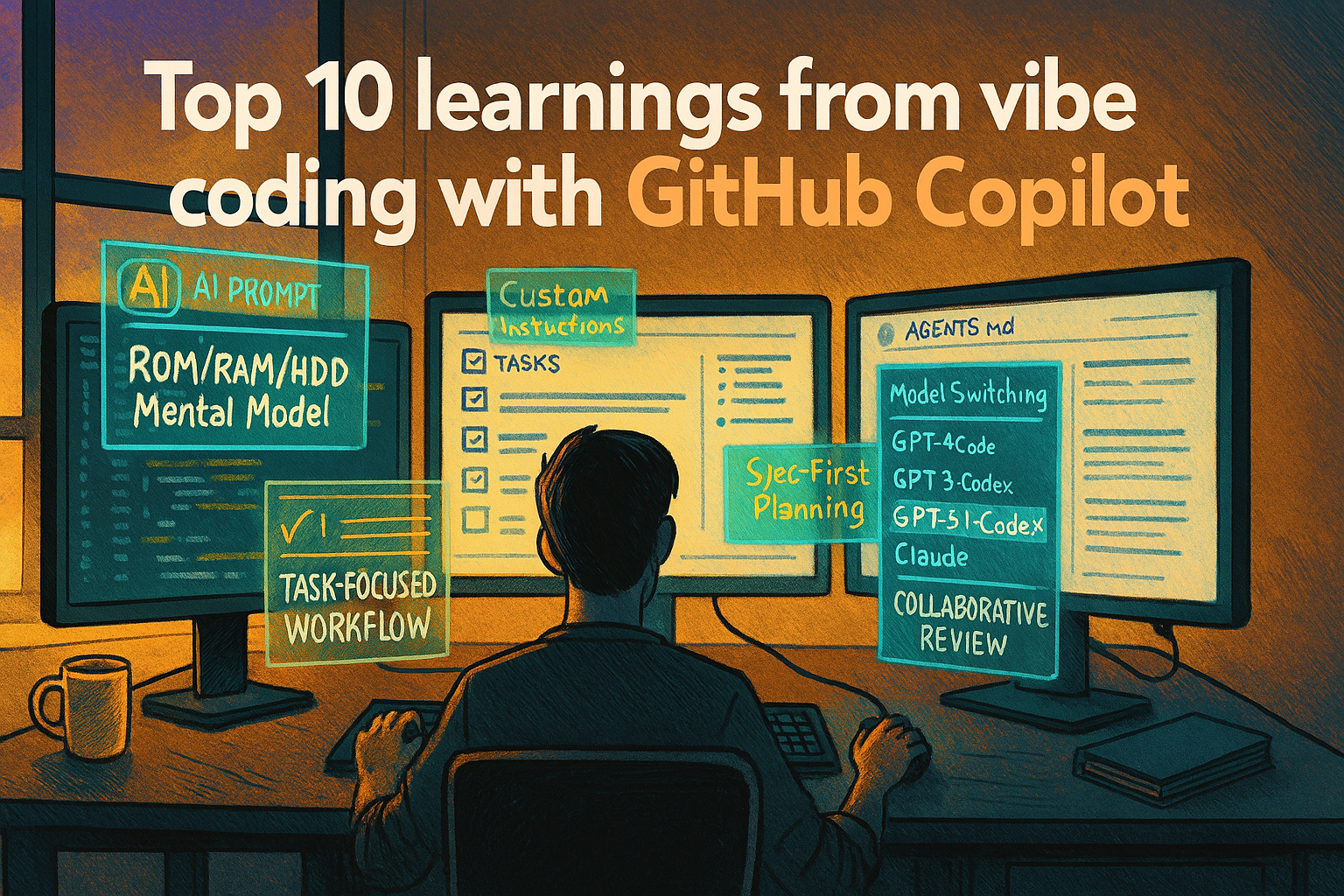
Top 10 learnings from vibe coding with GitHub Copilot
Over the last months I’ve been “vibe coding” my way through a real product using GitHub Copilot and a handful of other models. Not just toy samples, but an actual codebase with an API, web app, VS Code extension, tests, and deployments.
This post is a brain dump of what actually worked for me – the things that made AI feel like a multiplier instead of a distraction!
1. Vibe coding still requires real development skills
Let’s start with the uncomfortable truth: you can’t bypass development skills by throwing an AI at your repo. The sessions that really worked had one common factor: I was still doing the things a developer does:
- Reading and understanding the code the model produced.
- Spotting when it had misunderstood the requirements or the architecture.
- Saying “no, this is wrong because X” and asking it to rethink.
The big mindset shift for me was when I stopped treating Copilot as a magician, and started treating it like a junior engineer sitting next to me. I still own the design, I still review the code – I just type less.
If you can read and critique code, vibe coding is fantastic. If you can’t, it’s roulette.
2. Tell the agent how you build software
If you don’t tell the model how you like to build things, it will happily guess – often with outdated frameworks and patterns.
I got far better results by being explicit about, for instance:
- Tech stack: “Use React 18 + Vite + RTK Query”, “API is Azure Functions on Node 18”, etc.
- Patterns: “Keep domain logic in a
corepackage, UI inui”, “No inline comments, minimal diffs”. - Constraints: “Don’t add new dependencies without asking first”, “Don’t rewrite files unless we agree on it”.
Once those rules are written down, which we will get to in a bit, the model stops inventing a stack and starts playing by your rules.
Lesson: Don’t just ask what you want. Also explain how you build software.
3. Be ruthlessly task-specific
Vague, “do everything” prompts are where I’ve wasted the most time.
Examples that don’t work well:
- “Clean up the backend.”
- “Improve performance and fix bugs in the API.”
Examples that worked much better:
- “Add a
GET /healthendpoint that returns{ status: 'ok' }and wire it into the existing routing pattern.” - “Make the matrix view read-only in
viewmode, and add a unit test that verifies the cells are not editable.”
One task. Clear. Testable.
Smaller tasks help both of us. I get a clean diff and a predictable change. The agent has less room to wander off and refactor half the project.
Lesson: Narrow the task until you can clearly say “done” or “not done”.
4. Move your “system prompt” into the repo with AGENTS.md
At some point I realized I was re-explaining the project in every new chat:
- “It’s a monorepo.”
- “There’s an API here, a web app there, a VS Code extension over here.”
- “Here’s how we run tests.”
So I moved that into versioned documentation:
AGENTS.md – a map for agents (and humans):
- Overview of the architecture.
- Where the apps, APIs and packages live.
- How to run tests and dev servers.
- Links to other important docs.
Github Copilot instructions – project-specific guardrails:
- Active tech stack.
- Coding conventions.
- Recent feature work and constraints.
For more complex projects, I’ve also used multiple AGENTS.md files, scoped to big sub-areas. For example, one at the repo root, and another inside a “heavy” subproject. That way the model doesn’t have to load everything every time – it can focus on the relevant map.
Now, instead of typing a wall of context into the chat, I say “read AGENTS.md and then…”, and we start from a much better baseline.
Lesson: Put your persistent “this is how this project works” into the repo, not into each chat.
5. Encode your workflow in custom prompts
Beyond documentation, the real acceleration came from custom prompts that describe how I want to work, not just what I want done.
The best example from this project is my “implement task” prompt:
- All work items live in
TASKS.md. - The prompt tells the agent to:
- Select a task (or take one I specify).
- Restate the task and acceptance criteria.
- Propose a plan and identify risks.
- Implement with minimal diffs.
- Run tests and summarise what changed.
- Update the task status in
TASKS.md. - Occasionally move completed tasks to
COMPLETED-TASKS.md
This has become my default “development mode”. I don’t have to reinvent my process in every conversation; I just invoke the same prompt.
If you’re curious, I’ve published that prompt here:
👉 Implement Task prompt: https://gist.github.com/wictorwilen/51cab8dce3a0c5bc08400e155ea342bd
Lesson: Treat prompts as reusable tools. Codify the workflow you want the agent to follow.
6. Think in ROM, RAM and HDD
A mental model that’s worked well for me:
- ROM – long-lived instructions:
AGENTS.md- Copilot instructions
- Custom prompts like
/implement-task
- RAM – the current chat / context window:
- The last N messages.
- Whatever files the model has loaded this round.
- HDD – durable work state:
TASKS.mdandTASKS-COMPLETED.md.- Any other “source of truth” lists and docs (keeping a
/docsfolder and instruction the agent to use it is gold!).
Instead of trying to cram everything into RAM (the chat), I:
- Log work as tasks in
TASKS.md– bugs, features, refactors, ideas. - Let the agent read that file and help prioritize.
- Use the custom prompts (ROM) to decide how we tackle each task.
- Treat the chat as disposable – the real state is in the files.
This is what allows me to close a chat, come back days later, and get the agent back up to speed quickly. It just needs AGENTS.md and TASKS.md.
Lesson: Use files as your long-term memory. Use the chat as scratch space.
7. Spec first when it’s big enough
I’ve also experimented with more structured “spec first” workflows, using tools like SpecKit and my own prompts.
These are particularly useful when:
- A feature cuts across multiple surfaces (API, web, extension).
- You’re changing data models or contracts.
- There are serious risks (security, performance, migration).
In those cases I let the model help me:
- Break the feature down.
- Propose data structures and contracts.
- List risks and mitigations.
- Outline a test strategy.
It’s essentially a collaborative design doc session.
However, doing this for every small change is overkill. I ended up with a hybrid:
- Big, cross-cutting work: spec first, then implement.
- Small, contained tasks: go straight into the
/implement-taskworkflow.
Lesson: Don’t be afraid to let the agent help you write specs – just match the ceremony to the size of the change.
8. Use more than one model – explicitly
I’ve used a couple of different models on this project, and they behave differently enough that it’s worth being explicit:
GPT 5.1-Codex
My default for day-to-day coding in this repo.
- Very good at respecting the existing structure and instructions.
- Strong at minimal-diff changes.
- Works well with the “implement task” workflow.
Claude Sonnet 4/4.5
I’ve found Claude to be slightly more “creative”:
- Great at generating and refining specs and design documents.
- Useful for exploring alternative architectures or approaches.
- Needs tighter constraints if you don’t want it to rewrite large chunks.
Switching models has been surprisingly helpful:
- When I feel stuck in a local optimum, I’ll throw the same problem at Claude and see what it suggests.
- For pure content work (like this post), I might start in one model and then refine in another to get a different perspective.
Lesson: When you’re stuck, don’t just change the prompt – change the model.
9. Reset the chat (and the strategy) when you see a loop
Long chats develop “habits”. You’ve probably seen this:
- The agent keeps trying the same broken approach.
- It insists on a pattern that made sense 200 messages ago, but not now.
Two practical tactics have helped me break out of that:
- Force a strategy reset in the same chat – Be very direct:
- “No, that did not work. I want you to reconsider your strategy and deeply rethink the solution. Before writing any more code, propose an alternative approach and explain why it’s different.”
- This often pushes the model back into design mode instead of yet another small tweak.
- Start a fresh chat with a curated context – New conversation. Paste in:
- Just the relevant files or snippets.
- The key constraints (or a pointer to
AGENTS.md). - A concise problem statement. Then ask for a clean implementation or design, as if you brought in a new engineer.
Lesson: When the model repeats itself, don’t just hit “regenerate”. Either change the plan or start with a clean slate.
10. Turn the agent into a reviewer and issue-finder
When you’ve let the agent code for a while – especially if you’ve been multitasking – it’s worth switching roles and asking it to review its own work.
I’ll periodically ask something along the lines of:
“Go through the server API and carefully analyse the codebase for optimisations, security issues, and potential errors. For each finding, add a task to TASKS.md and label it bug, feat, or security.”
Instead of editing code directly, it:
- Scans the relevant area.
- Files concrete tasks with enough context to act on.
- Lets me decide what to tackle now vs later.
Combined with the ROM/RAM/HDD model, this turns the agent into an always-on reviewer that keeps feeding a living backlog.
Lesson: Use AI as a reviewer and issue-finder, not just as a code generator.
Closing thoughts
Vibe coding with GitHub Copilot hasn’t replaced my work as a developer – it has changed how I work:
- I write down how the project works (
AGENTS.md, Copilot instructions). - I encode my preferred workflows into prompts (like the [implement task prompt](https://gist.github.com/wictorwilen/51cab8dce3a0c5bc08400e155ea342bd)).
- I treat
TASKS.mdand similar files as the hard drive for everything we want to do. - I’m deliberate about when to spec, when to code, when to review, and even which model to ask.
If you want to experiment with a similar setup, I’d suggest:
- Add a simple
AGENTS.mdto your repo with:
- What the project does.
- Where things live.
- How to build and test.
- Start a
TASKS.mdand enforce “one small, clear task at a time”. - Create a custom “implement task” prompt that:
- Forces a plan.
- Demands minimal diffs.
- Requires tests where they exist.
From there you can add layers – multiple AGENTS.md files for complex projects, spec-first workflows for big features, and regular review passes where the agent feeds your backlog. That’s when vibe coding stops being a novelty and starts feeling like a real way of building software.